Google Business Profile
Google Business Profile scheduler
Keep your Google listing fresh with a new post every week. We post the updates you approve, and new reviews arrive in your Inbox with suggested replies.
See your first posts free. Only pay if you want to keep them.

- Posts to choose from each week
- 10
- Platforms
- 7
- Your time each week
- 1 min
- Until your first posts
- 3 min
What you get
A new post on Google every week
Weekly posts and review replies, in the same app as your social media.
A new post every week
Each week, one of your new picture posts goes to your listing on Google Search and Maps. Google shows each update for about a week.
A link back to your website
Each Google post has one picture, your caption and a Learn more button that opens your website.
Reply to reviews from your Inbox
Each new review comes with two suggested replies in your voice. Pick one, edit it if you like, and send it.
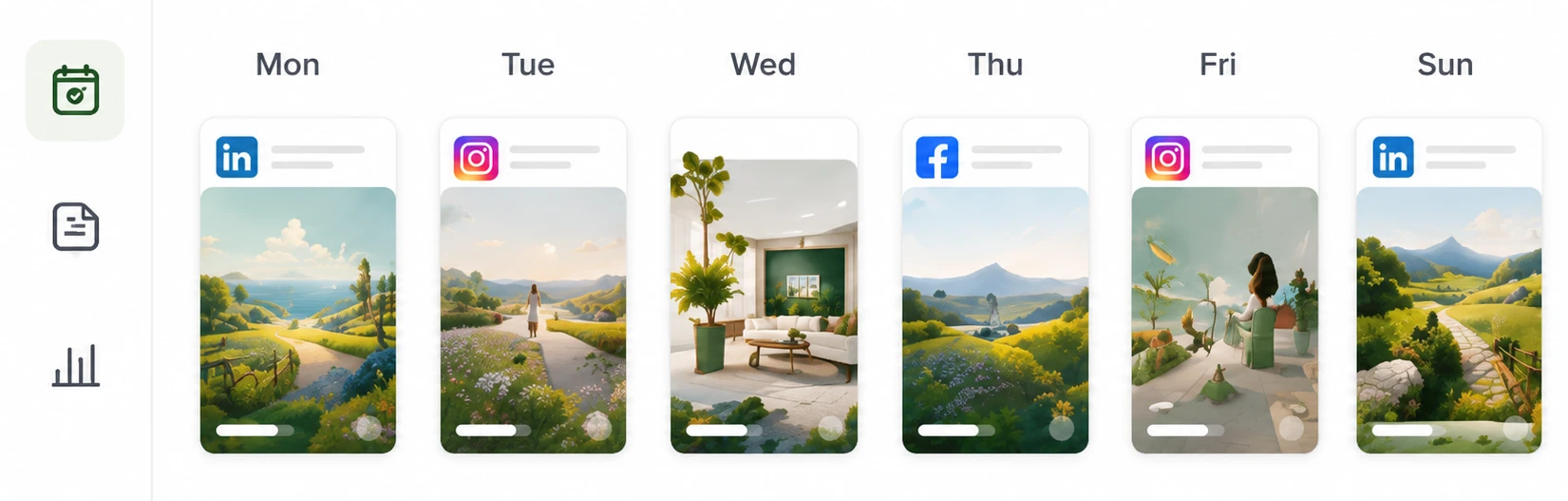
Google on the same calendar
Your Google posts share one calendar with Instagram, Facebook, TikTok, Threads, X and LinkedIn.
Your Google week
See your Google posts on one calendar
See which post is going to Google this week, and change its time before it goes out.
How it works
From your website to your feed
Set it up once. After that, you choose from 10 new posts every week, and we do the rest.
- 1
Give us your website
We read your website to learn what you sell, how you talk about it and what your business looks like. That's all we need.
- 2
Approve the ones you like
Every post comes with its picture and caption done. You can go through a week of them in about a minute.
- 3
We post them for you
We post the ones you approve on Instagram, Facebook, TikTok, Threads, X, LinkedIn and Google Business, whichever you use. You don't need to be online when they go out.
Price
One monthly price, every platform included
Approved
$79 per month, per brand
Google posts and review replies are included with every other platform we support, at no extra charge.
$708 per year
See what the plan includesQuestions
What to know before you start
Can you schedule posts on Google Business Profile?
Yes. Connect your verified profile, and we add Google to the first single-picture post in each week's new posts. When you approve that post, we post it to your listing and show it as live once Google confirms it.
What does a Google post look like?
One picture, your approved caption, and a Learn more button that links to your website. Carousels and videos go only to your other platforms.
Can I reply to Google reviews?
Yes. Each new review shows up in Inbox with 2 suggested replies in your voice. Pick one, change it if you like, and send it.
Does my listing need to be verified?
Yes. Google only allows posts on verified profiles. If yours isn't verified yet, Google shows you how when you open your profile.
Explore
More ways to use Approved
Instagram scheduler
Keep your Instagram active without making the posts yourself.
Read more
Facebook scheduler
Keep your Facebook Page up to date without making the posts yourself.
Read more
TikTok scheduler
TikTok videos made from your photos, without picking up a camera.
Read more
Compare with other tools
See how Approved compares with 4 other tools: what each one does, what it costs and who it suits.
Read more

See posts for your Google listing
Paste your website address. In about 3 minutes, you'll see real posts for your business, with pictures ready for your listing.
See your first posts free. Only pay if you want to keep them.