Comparison
Approved vs Buffer
Choose Buffer if you already make your own posts and want a flexible scheduler. Choose Approved if you want the posts made for you, and posted once you approve them.
See your first posts free. Only pay if you want to keep them.
Buffer prices and plans checked on 20 August 2026.

At a glance
- Approved$79/mo
- Makes your posts, then schedules them. All 7 platforms included.
- BufferFrom $5 per channel
- Schedules the posts you make. You pay for each connected channel.
The short answer
Two tools, two different jobs
Approved
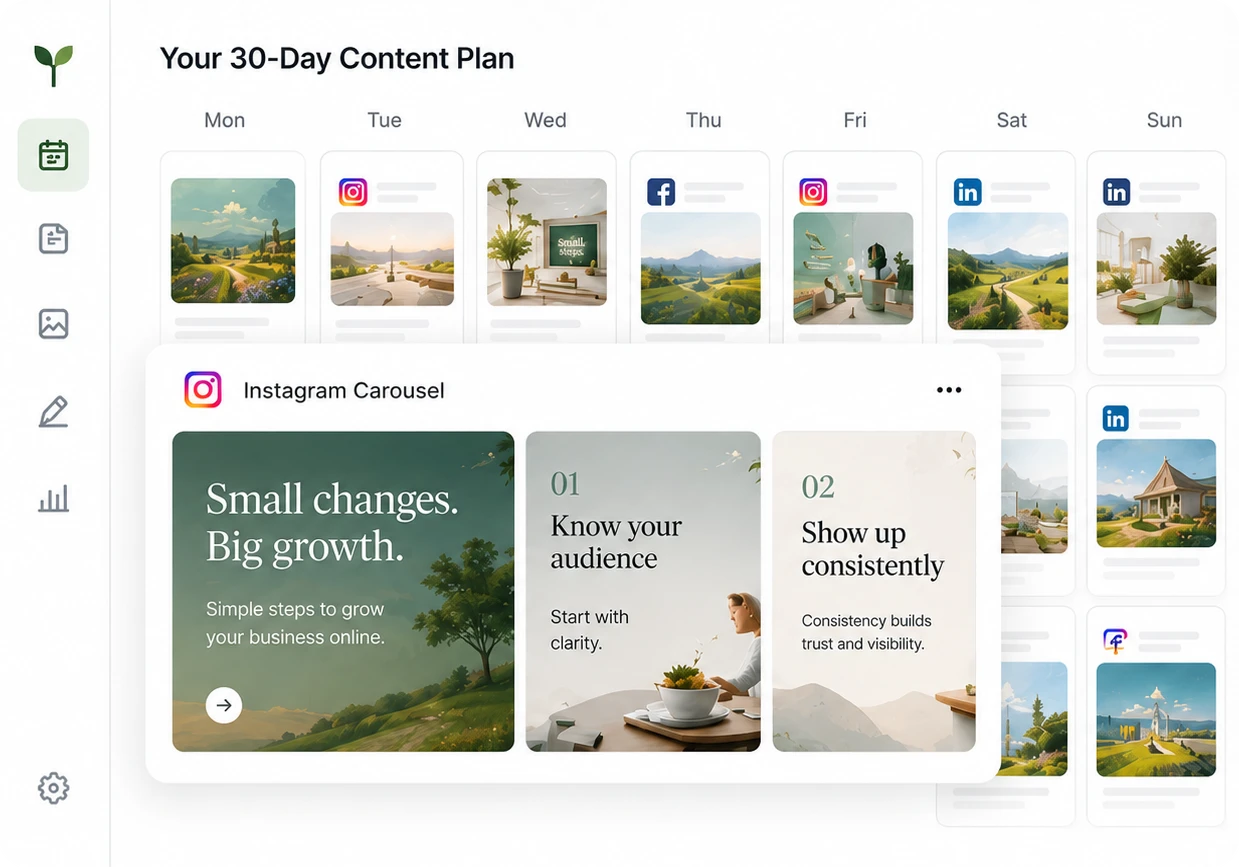
Approved makes your posts for you. We read your website, send you 10 new posts to choose from every week, and post the ones you approve on any of 7 platforms.
Buffer
Buffer is a tool for scheduling posts and reporting on them. You make the posts, choose the channels and plan the calendar, and Buffer posts them on time. Its AI Assistant can suggest caption ideas.
Features and limits
Approved and Buffer, line by line
| What you get | Buffer | |
|---|---|---|
| Makes finished pictures and videos | Yes | No |
| Writes captions in your voice | Yes | AI Assistant can suggest text. You finish the post. |
| Learns your business from your website | Yes | No |
| Plans what to post each week | Yes | No |
| Publishes your posts on schedule | Yes | Yes |
| Platforms | Instagram, Facebook, TikTok, Threads, X, LinkedIn and Google Business | The same platforms, and more |
| Analytics | Results for your posts on each platform | More detailed reports on paid plans |
| Price | $79 a month per brand, all platforms included | From $5 a month per channel. 7 channels cost about $35 a month. |
| Free option | Free preview of your first posts. No free plan. | Free plan for 3 channels, with 10 scheduled posts per channel |
Buffer prices and plans checked on buffer.com/pricing in August 2026.
Price
What each one costs, side by side
Approved
$79 per month, per brand
Includes 10 new posts to choose from every week, scheduling, and posting on all 7 platforms we support.
$708 per year
See what the plan includesBuffer
From $5 per channel, per month
Essentials charges for each channel, so 7 channels cost about $35 a month. You still make the posts yourself.
Which one
Which one is right for you
If the Buffer list sounds more like your business, choose Buffer.
Choose Approved if
- Making the posts is the part you never get to.
- You want finished posts, not help writing them.
- You want one price for each brand, with every platform included.
- You'd rather approve posts than plan a calendar every week.
Choose Buffer if
- You already make your posts and mostly need a reliable scheduler.
- A free plan with 3 channels and 10 scheduled posts per channel is enough for you.
- You need detailed reports across many channels.
- A team or a library of content already gives you everything you post.
Switching
Try Approved without leaving Buffer
- 1
Paste your website address
You don't need to bring anything over from Buffer. We read your website and make your first posts from it.
- 2
See your first posts
Real pictures and captions for your business, ready in about 3 minutes. You don't pay anything to see them.
- 3
Connect your accounts
Connect the accounts you use. Anything you already have running in Buffer can keep going while you try Approved.
Questions
Before you choose between Approved and Buffer
What's the difference between Approved and Buffer?
Buffer schedules posts you make yourself. Approved makes the posts for you from your website, then schedules and publishes the ones you approve.
Is Buffer free?
Yes. The free plan covers 3 channels with 10 scheduled posts per channel. Paid plans start at $5 per channel per month on annual billing.
Which is cheaper?
Buffer costs less if you only need a few channels. Approved costs $79 a month per brand and includes making the posts. Buffer starts at $5 per channel, and you make the posts yourself. Compare the total cost of getting your posts made and published, not just the subscription.
Can I switch from Buffer?
Yes. Enter your website, review your first posts and connect your accounts. Posts already scheduled in Buffer can keep going out while you switch.
Keep comparing
See the other comparisons
- vs
Approved vs Later
Later plans and schedules the photos and videos you supply. Approved makes your posts and publishes them.
Read more
- vs
Approved vs Predis.ai
Predis.ai makes posts from the prompts you write. Approved decides what to post, makes it and publishes it.
Read more
- vs
Approved vs Zeely
Zeely makes and runs paid ads. Approved makes and publishes posts on your own accounts.
Read more
The best comparison is your own posts
Paste your website address. In about 3 minutes, you'll see real posts for your business, in your colors and voice.
See your first posts free. Only pay if you want to keep them.