Content calendar
Social media content calendar
Get a content calendar you don't have to fill. Every week we make 10 posts from your website, and each one you approve goes on your calendar with a day and time.
See your first posts free. Only pay if you want to keep them.

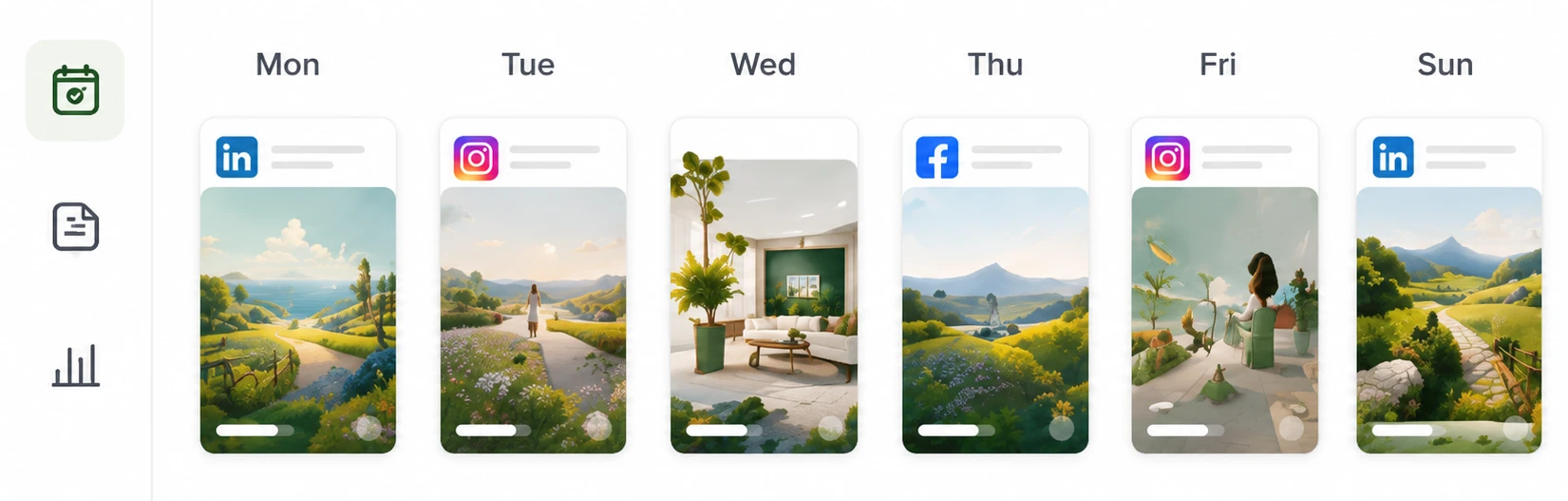
- Posts to choose from each week
- 10
- Platforms
- 7
- Your time each week
- 1 min
- Until your first posts
- 3 min
What you get
Planned, made and timed for you
We choose the topics, formats and times, and you approve.
10 new posts every week
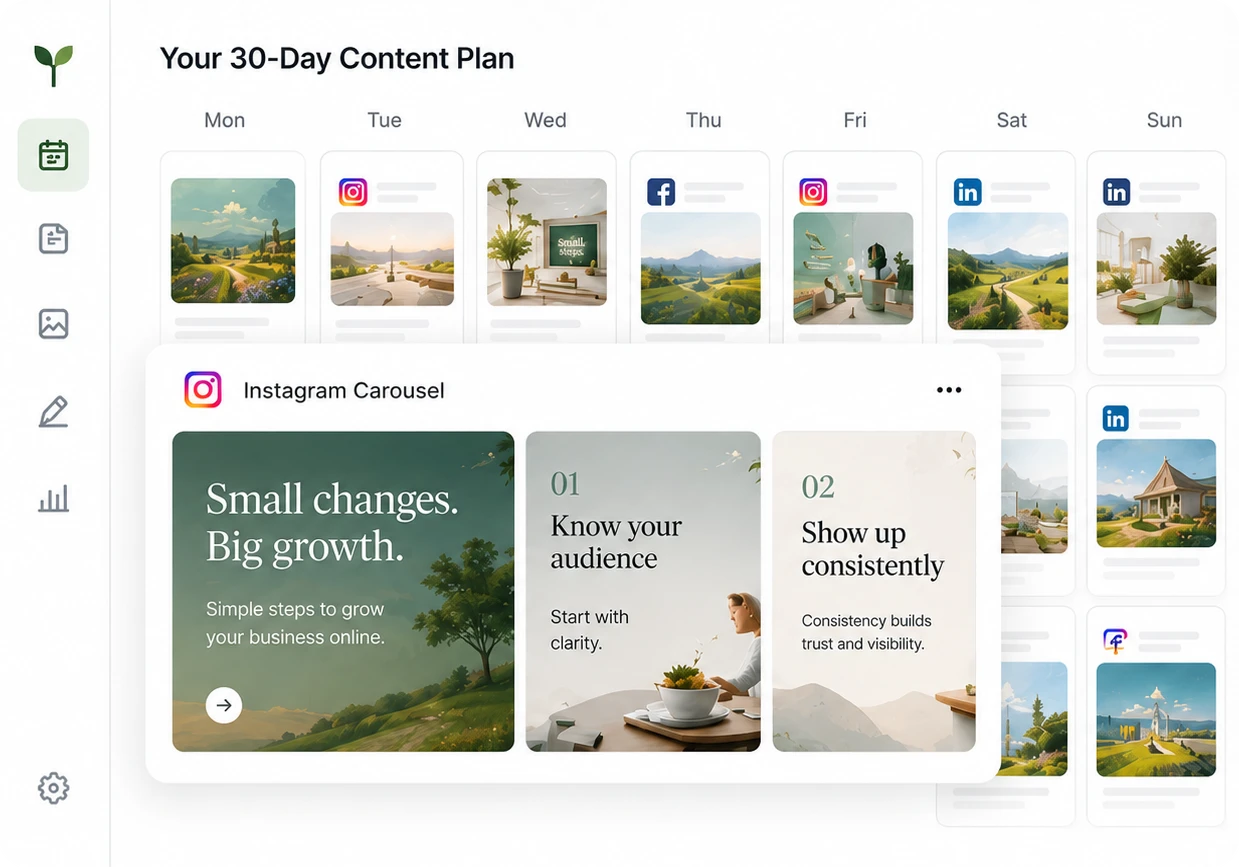
Each post comes with its picture and caption, and you approve the ones you want. There's no planning session and nothing to write.
A day and time for every post
Approved posts fill the days and times in your posting schedule. Change the day or time of any post before it goes out.
Drag to rearrange
Drag a post to another day, change its time or choose different accounts. The picture and caption stay the same.
Every platform in one view
Instagram, Facebook, TikTok, Threads, X, LinkedIn and Google Business share one calendar. Each post shows the accounts it will go to.
Your part and ours
What we do and what you decide
We plan and make the posts. You choose which ones go out and when.
- Every week
- 10 new posts. You approve the ones that go out.
- We decide
- The topic, format, picture, caption, platforms and a suggested time.
- You decide
- Which posts to approve, decline or change before they go on your calendar.
- Changing the schedule
- Drag a post to another day, or change its time or accounts.
- If something goes wrong
- If a platform refuses a post, we mark it on your calendar and email you. Your other platforms still get the post.
How it works
From your website to your feed
Set it up once. After that, you choose from 10 new posts every week, and we do the rest.
- 1
Give us your website
We read your website to learn what you sell, how you talk about it and what your business looks like. That's all we need.
- 2
Approve the ones you like
Every post comes with its picture and caption done. You can go through a week of them in about a minute.
- 3
We post them for you
We post the ones you approve on Instagram, Facebook, TikTok, Threads, X, LinkedIn and Google Business, whichever you use. You don't need to be online when they go out.
Price
One monthly price, every platform included
Approved
$79 per month, per brand
Planning, making and posting are all included: 10 new posts to choose from every week, on all 7 platforms.
$708 per year
See what the plan includesQuestions
What to know before you start
Do I have to plan the month myself?
No. Every week you get new posts with the topics and formats already chosen. Each post you approve takes the next free time on your posting schedule, and you can ask for changes in Chat.
Can I move a post to a different day?
Yes. On a computer, drag it to another day. Or open it to change the date, the time and the accounts. We post it at the new time.
Can I plan how my Instagram grid will look?
Not currently. You can move posts around in Calendar, but we don't show how they'll look together on your Instagram profile.
How far ahead is the calendar filled?
As far ahead as the posts you approve. Each one takes the next free posting time, so approving more fills the following weeks. New posts arrive every week, and nothing is scheduled until you approve it.
Explore
More ways to use Approved
AI post generator
New posts made from your website every week, ready for you to approve.
Read more
AI video generator
Short videos made from your photos, with no filming or editing.
Read more
Carousel maker
Finished carousels designed from your website, with no template to fill in.
Read more
Compare with other tools
See how Approved compares with 4 other tools: what each one does, what it costs and who it suits.
Read more
See the posts we'd make for you
Paste your website address. In about 3 minutes, you'll see your first posts, ready to go on your calendar.
See your first posts free. Only pay if you want to keep them.