7 platforms
Social media scheduler
Get your posts made and scheduled for you. Every week we make 10 new posts from your website, and we post the ones you approve on up to 7 platforms.
See your first posts free. Only pay if you want to keep them.

- Posts to choose from each week
- 10
- Platforms
- 7
- Your time each week
- 1 min
- Until your first posts
- 3 min
What you get
We make the posts, then schedule them
10 new posts every week, ready for you to approve.
Nothing to make or upload
We make pictures, carousels and captions from your website, and videos when you ask. You don't need to prepare anything.
Approve once for every account
One approval covers every platform you've connected. We send each one the format and caption it accepts.
Move anything before it goes out
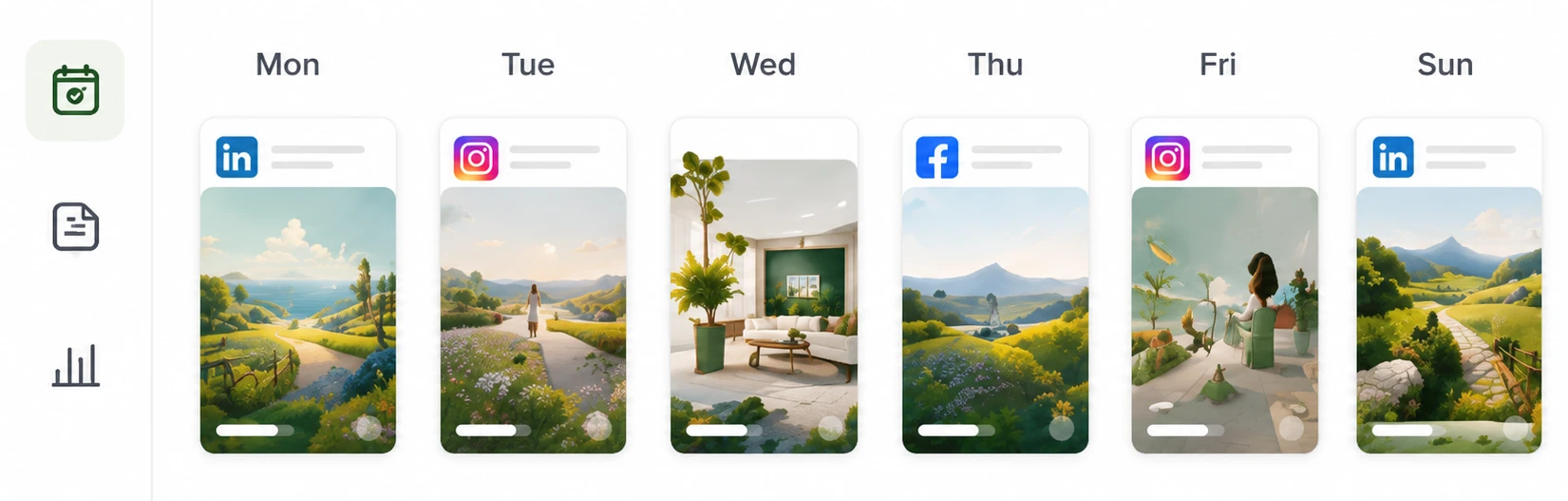
Every approved post has a day, a time and a list of accounts. Change any of them before it goes out.
Nothing is posted until you approve
New posts stay off your calendar until you approve them. If a platform refuses a post, the others still go out and we email you.
One approval, 7 platforms
How one post goes out on each platform
The format, the number of pictures and the caption each platform gets.
- Up to 10 slides go out as a carousel, and videos as Reels. Your full caption, with hashtags.
- Up to 10 slides go out in one photo post. Your caption, without the hashtags at the end.
- TikTok
- Videos go out as videos, and slides as a photo post. TikTok doesn't take single pictures, so those go to your other accounts.
- Up to 20 slides go out as a document, and videos as video posts. Your full caption, with hashtags.
- X
- The first 4 slides go out as a thread. Hashtags come off, and captions over 280 characters are shortened.
- Threads
- Up to 10 slides go out in order. Hashtags come off, and captions over 500 characters are shortened.
- Google Business
- One picture, your caption and a Learn more button go to your listing. Videos and slides go to your other accounts.
How it works
From your website to your feed
Set it up once. After that, you choose from 10 new posts every week, and we do the rest.
- 1
Give us your website
We read your website to learn what you sell, how you talk about it and what your business looks like. That's all we need.
- 2
Approve the ones you like
Every post comes with its picture and caption done. You can go through a week of them in about a minute.
- 3
We post them for you
We post the ones you approve on Instagram, Facebook, TikTok, Threads, X, LinkedIn and Google Business, whichever you use. You don't need to be online when they go out.
Price
One monthly price, every platform included
Approved
$79 per month, per brand
One price covers making the posts and posting them on all 7 platforms. It stays the same however many platforms you connect.
$708 per year
See what the plan includesQuestions
What to know before you start
Which platforms can you post to?
We post to Instagram, Facebook, TikTok, Threads, X, LinkedIn and Google Business. Connect only the accounts you use. Connect 1 platform or all 7 for the same price.
Does it create the posts, or only schedule them?
Both. We make pictures, carousels and captions from your website, plus videos when you ask for them. Then we schedule and post the ones you approve.
Can I change when a post goes out?
Yes. On a computer, drag it to another day. Or open it to change the time and the accounts it goes to.
What happens if a platform refuses a post?
We mark it in Calendar and email you to explain. Your other platforms still get the post, and it keeps its picture and caption so you can send it again.
Explore
More ways to use Approved
AI post generator
New posts made from your website every week, ready for you to approve.
Read more
AI video generator
Short videos made from your photos, with no filming or editing.
Read more
Carousel maker
Finished carousels designed from your website, with no template to fill in.
Read more
Compare with other tools
See how Approved compares with 4 other tools: what each one does, what it costs and who it suits.
Read more

See posts made for your business
Paste your website address. In about 3 minutes, you'll see real posts for your business, with pictures and captions in your voice.
See your first posts free. Only pay if you want to keep them.